Information freedom does not naturally evolve, it degrades. ——Open Information Manifesto
Twitter decided in August to completely restrict public access and API access, causing third-party integrations to no longer work properly. Open user data has been kidnapped into a tool for private money-making. Twitter, once the benchmark for Open Web, has fallen into this situation. It is sad that digital slavery appears in the most inappropriate places. This has also caused many users to move to Fediverse. However, once social relationships and habits are formed, it is not easy to change them quickly. More people still choose to endure it. Musk has seen through this and has no fear.
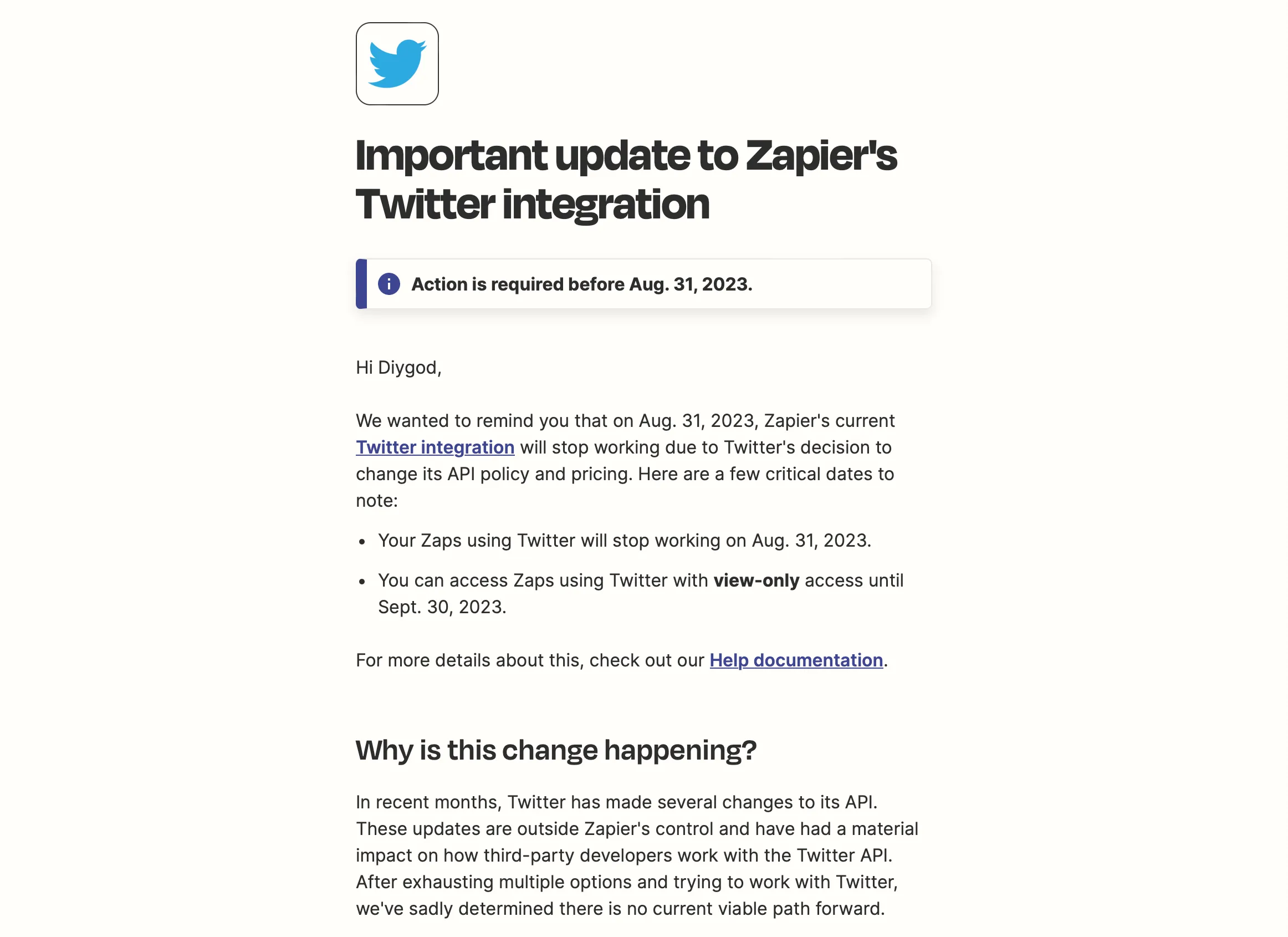
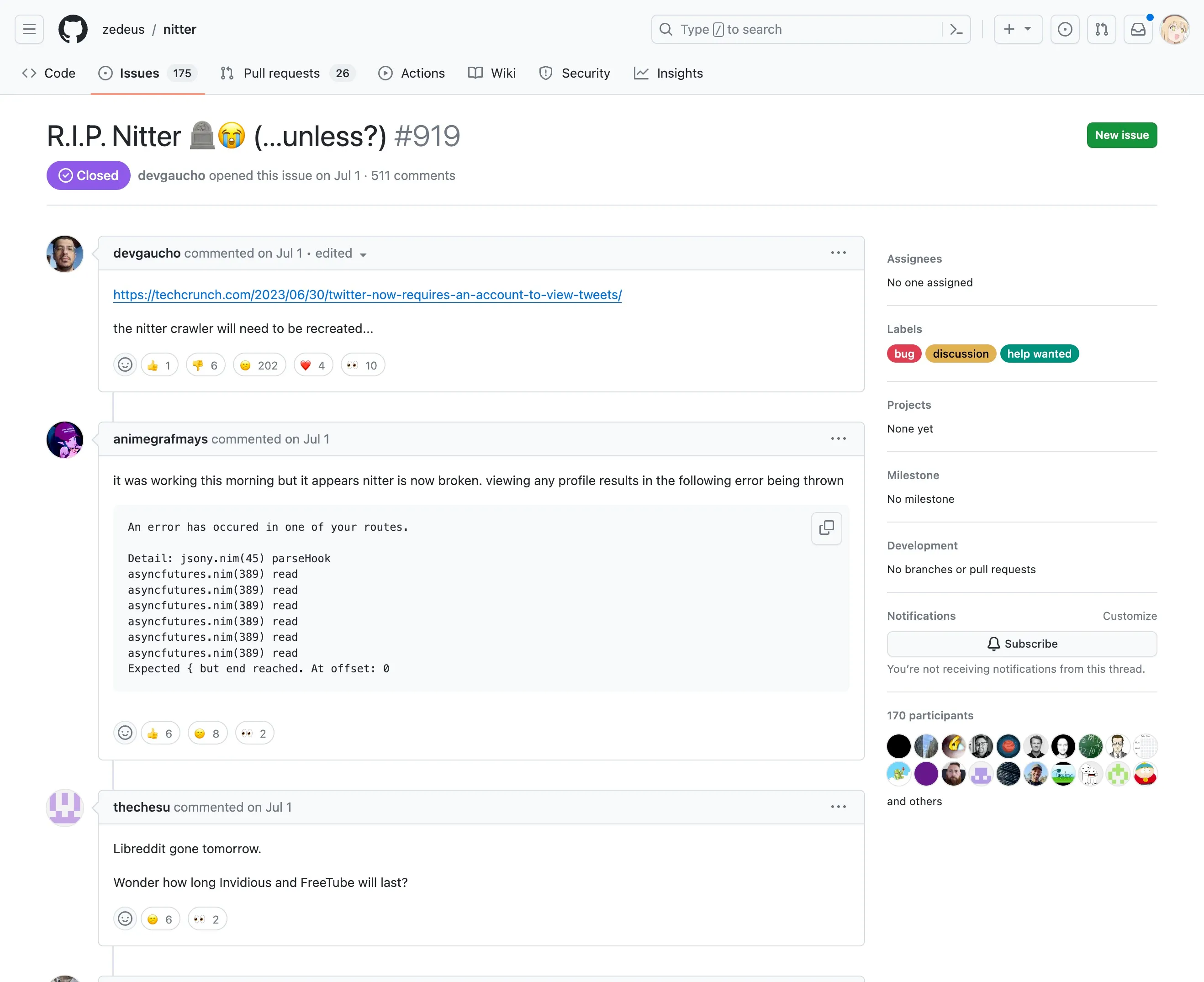
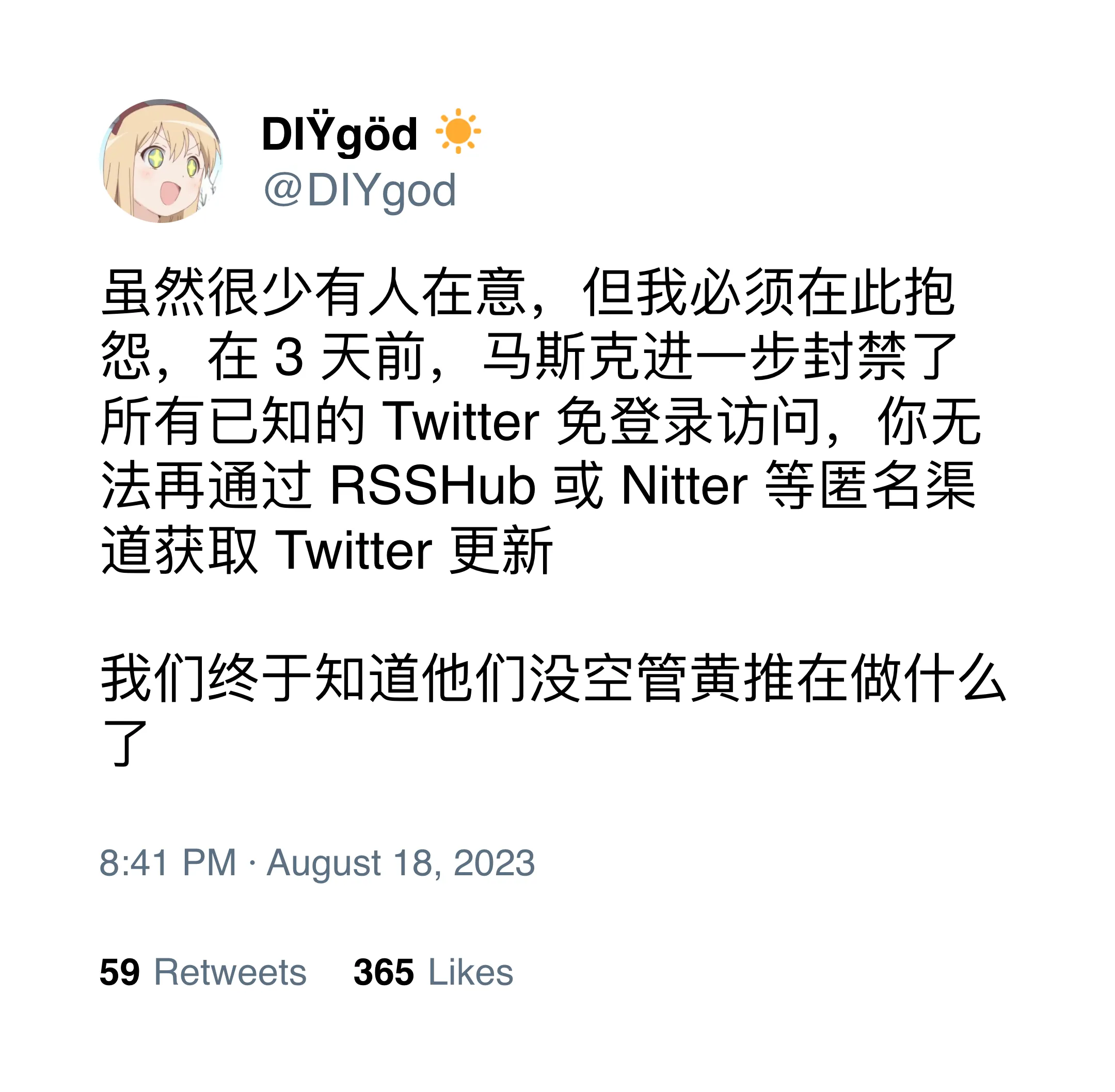
However, we cannot arbitrarily say that Twitter is closed. After all, it still opens an enterprise API with a starting price of $40,000 per month and no upper limit.
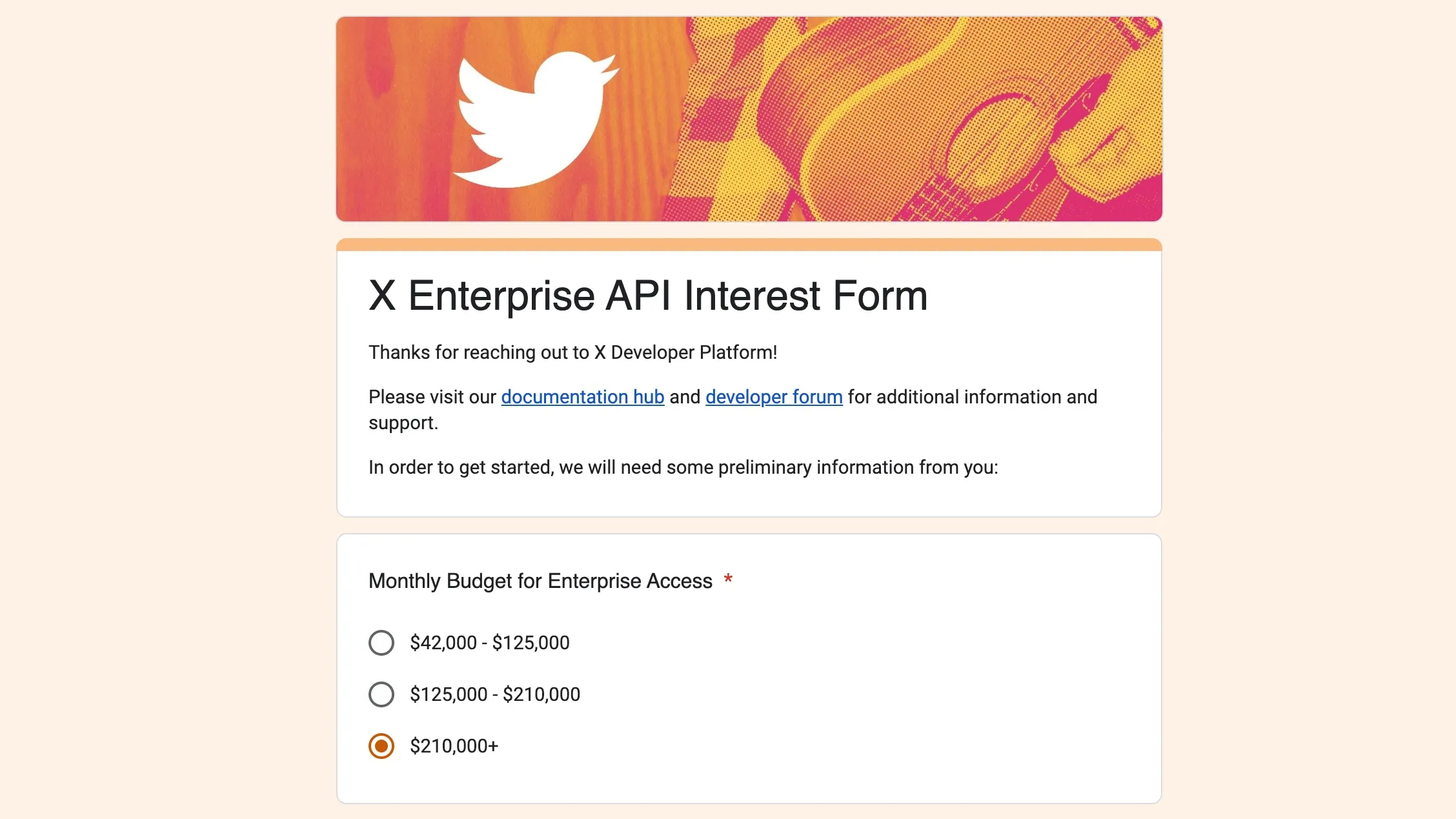
What? You said you can’t afford it?
Then you can be like me and bypass the blockade by creating 10,000 accounts
Although Twitter restricts all public access, we found that newly downloaded Twitter mobile clients can still view user updates. This provides us with potential exploitation methods. By capturing packets, we can see that the client creates a temporary account with lower permissions and strict frequency restrictions by requesting a series of special interfaces. We can use this account to get most of the data we need. However, this kind of account has very strict restrictions on request frequency, so a large number of such accounts are needed to meet basic usage needs. At the same time, each IP can only obtain one temporary account within a period of time, so we also need a large number of IP proxies
For the specific unpacking and packet capturing process, please refer to BANKA’s “How to crawl Twitter (Android)”. Standing on the shoulders of BANKA, we can write a registration script like this (from Nitter - Guest Account Branch Deployment):
#!/bin/bash

guest_token=$(curl -s -XPOST https://api.twitter.com/1.1/guest/activate.json -H 'Authorization: Bearer AAAAAAAAAAAAAAAAAAAAAFXzAwAAAAAAMHCxpeSDG1gLNLghVe8d74hl6k4%3DRUMF4xAQLsbeBhTSRrCiQpJtxoGWeyHrDb5te2jpGskWDFW82F' | jq -r '.guest_token')

flow_token=$(curl -s -XPOST 'https://api.twitter.com/1.1/onboarding/task.json?flow_name=welcome' \
          -H 'Authorization: Bearer AAAAAAAAAAAAAAAAAAAAAFXzAwAAAAAAMHCxpeSDG1gLNLghVe8d74hl6k4%3DRUMF4xAQLsbeBhTSRrCiQpJtxoGWeyHrDb5te2jpGskWDFW82F' \
          -H 'Content-Type: application/json' \
          -H "User-Agent: TwitterAndroid/10.10.0" \
          -H "X-Guest-Token: ${guest_token}" \
          -d '{"flow_token":null,"input_flow_data":{"flow_context":{"start_location":{"location":"splash_screen"}}}}' | jq -r .flow_token)

curl -s -XPOST 'https://api.twitter.com/1.1/onboarding/task.json' \
          -H 'Authorization: Bearer AAAAAAAAAAAAAAAAAAAAAFXzAwAAAAAAMHCxpeSDG1gLNLghVe8d74hl6k4%3DRUMF4xAQLsbeBhTSRrCiQpJtxoGWeyHrDb5te2jpGskWDFW82F' \
          -H 'Content-Type: application/json' \
          -H "User-Agent: TwitterAndroid/10.10.0" \
          -H "X-Guest-Token: ${guest_token}" \
          -d "{\"flow_token\":\"${flow_token}\",\"subtask_inputs\":[{\"open_link\":{\"link\":\"next_link\"},\"subtask_id\":\"NextTaskOpenLink\"}]}" | jq -c -r '.subtasks[0]|if(.open_account) then {oauth_token: .open_account.oauth_token, oauth_token_secret: .open_account.oauth_token_secret} else empty end'
And a bulk registration script like this (from myself):
const got = require("got");
const { HttpsProxyAgent } = require("https-proxy-agent");
const fs = require("fs");
const path = require("path");

const concurrency = 5; // Please do not set it too large to avoid Twitter discovering our little secret
const proxyUrl = ""; // Add your proxy here

const baseURL = "https://api.twitter.com/1.1/";
const headers = {
  Authorization:
    "Bearer AAAAAAAAAAAAAAAAAAAAAFXzAwAAAAAAMHCxpeSDG1gLNLghVe8d74hl6k4%3DRUMF4xAQLsbeBhTSRrCiQpJtxoGWeyHrDb5te2jpGskWDFW82F",
  "User-Agent": "TwitterAndroid/10.10.0",
};

const accounts = [];

function generateOne() {
  // eslint-disable-next-line no-async-promise-executor
  return new Promise(async (resolve) => {
    const timeout = setTimeout(() => {
      // eslint-disable-next-line no-console
      console.log(`Failed to generate account, continue... timeout`);
      resolve();
    }, 30000);

    const agent = {
      https: proxyUrl && new HttpsProxyAgent(proxyUrl),
    };

    try {
      const response = await got.post(`${baseURL}guest/activate.json`, {
        headers: {
          Authorization: headers.Authorization,
        },
        agent,
        timeout: {
          request: 20000,
        },
      });
      const guestToken = JSON.parse(response.body).guest_token;

      const flowResponse = await got.post(
        `${baseURL}onboarding/task.json?flow_name=welcome`,
        {
          json: {
            flow_token: null,
            input_flow_data: {
              flow_context: {
                start_location: {
                  location: "splash_screen",
                },
              },
            },
          },
          headers: {
            ...headers,
            "X-Guest-Token": guestToken,
          },
          agent,
          timeout: {
            request: 20000,
          },
        },
      );
      const flowToken = JSON.parse(flowResponse.body).flow_token;

      const finalResponse = await got.post(`${baseURL}onboarding/task.json`, {
        json: {
          flow_token: flowToken,
          subtask_inputs: [
            {
              open_link: {
                link: "next_link",
              },
              subtask_id: "NextTaskOpenLink",
            },
          ],
        },
        headers: {
          ...headers,
          "X-Guest-Token": guestToken,
        },
        agent,
        timeout: {
          request: 20000,
        },
      });

      const account = JSON.parse(finalResponse.body).subtasks[0].open_account;

      if (account) {
        accounts.push({
          t: account.oauth_token,
          s: account.oauth_token_secret,
        });
      } else {
        // eslint-disable-next-line no-console
        console.log(`Failed to generate account, continue... no account`);
      }
    } catch (error) {
      // eslint-disable-next-line no-console
      console.log(`Failed to generate account, continue... ${error}`);
    }

    clearTimeout(timeout);
    resolve();
  });
}

(async () => {
  const oldAccounts = fs.readFileSync(path.join(__dirname, "accounts.txt"));
  const tokens = oldAccounts.toString().split("\n")[0].split("=")[1].split(",");
  const secrets = oldAccounts
    .toString()
    .split("\n")[1]
    .split("=")[1]
    .split(",");
  for (let i = 0; i < tokens.length; i++) {
    accounts.push({
      t: tokens[i],
      s: secrets[i],
    });
  }

  for (let i = 0; i < 1000; i++) {
    // eslint-disable-next-line no-console
    console.log(
      `Generating accounts ${i * concurrency}-${(i + 1) * concurrency - 1}, total ${accounts.length}`,
    );

    // eslint-disable-next-line no-await-in-loop
    await Promise.all(Array.from({ length: concurrency }, () => generateOne()));
    fs.writeFileSync(
      path.join(__dirname, "accounts.txt"),
      [
        `TWITTER_OAUTH_TOKEN=${accounts.map((account) => account.t).join(",")}`,
        `TWITTER_OAUTH_TOKEN_SECRET=${accounts.map((account) => account.s).join(",")}`,
      ].join("\n"),
    );
  }
})();
These scripts have been placed in the RSSHub repository: https://github.com/DIYgod/RSSHub/blob/master/scripts/twitter-token/generate.js
Before use, you need to fill in the IP proxy service address you purchased. The script will automatically handle errors such as timeouts and requests, and will automatically obtain temporary accounts at 5 concurrency intervals. It will stop when 1,000 accounts are obtained. Be careful not to set the concurrency too high. I have observed that when Twitter detects a large number of requests, it will pause the interface for a period of time.
I purchased 5 agency services for testing. I feel that the effects are almost the same. Just choose the cheapest service. Usually, the lowest-priced 1G package is enough to obtain about tens of thousands to hundreds of thousands of accounts. The cheapest service I’ve found so far is proxy-cheap, if you have a better option please let me know
This method has been working stably on Nitter for some time, and now that it has been implemented on RSSHub and its official example, we can declare that the war against the evil Twitter slave masters has been successfully won.