What is IFTTT?
Official website: https://ifttt.com
This is a website launched in the United States in 2011. IFTTT is the abbreviation of If This Then That. In layman’s terms, the function of IFTTT is that if one thing is triggered, another set thing will be executed.
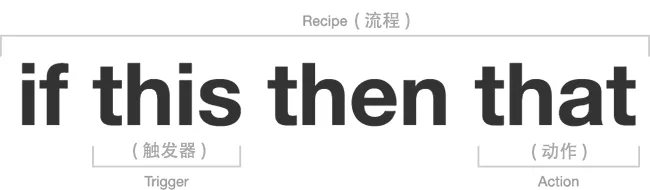
Combined with the above figure, the purpose of Recipes is to connect the two network services “this” and “that”. The network services are called Channels here. The former is called Trigger Channel and the latter is called Action Channel. When the trigger channel meets the trigger conditions, the action specified by the action channel will be executed.
Therefore, the process of creating a “Recipes process” in IFTTT is as follows: select a trigger channel, set its trigger conditions, then select an action channel, and then set the action it wants to perform, OK, and you’re done.
For example, I set up Recipes like this:
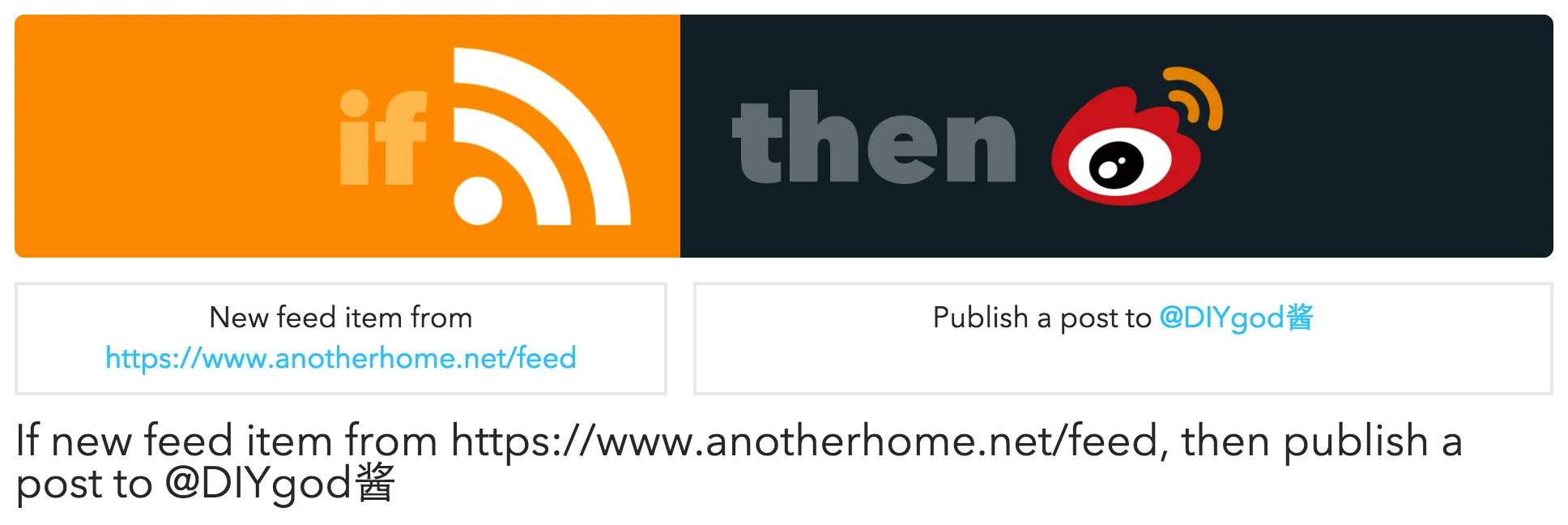
The meaning of the entire recipe is “If new feed item from https://www.anotherhome.net/feed, then publish a post to @DIYgod Jiang”.
In this way, after I publish this article, a Weibo will be automatically sent.
But it’s not over yet, I have two more recipes involving Weibo:
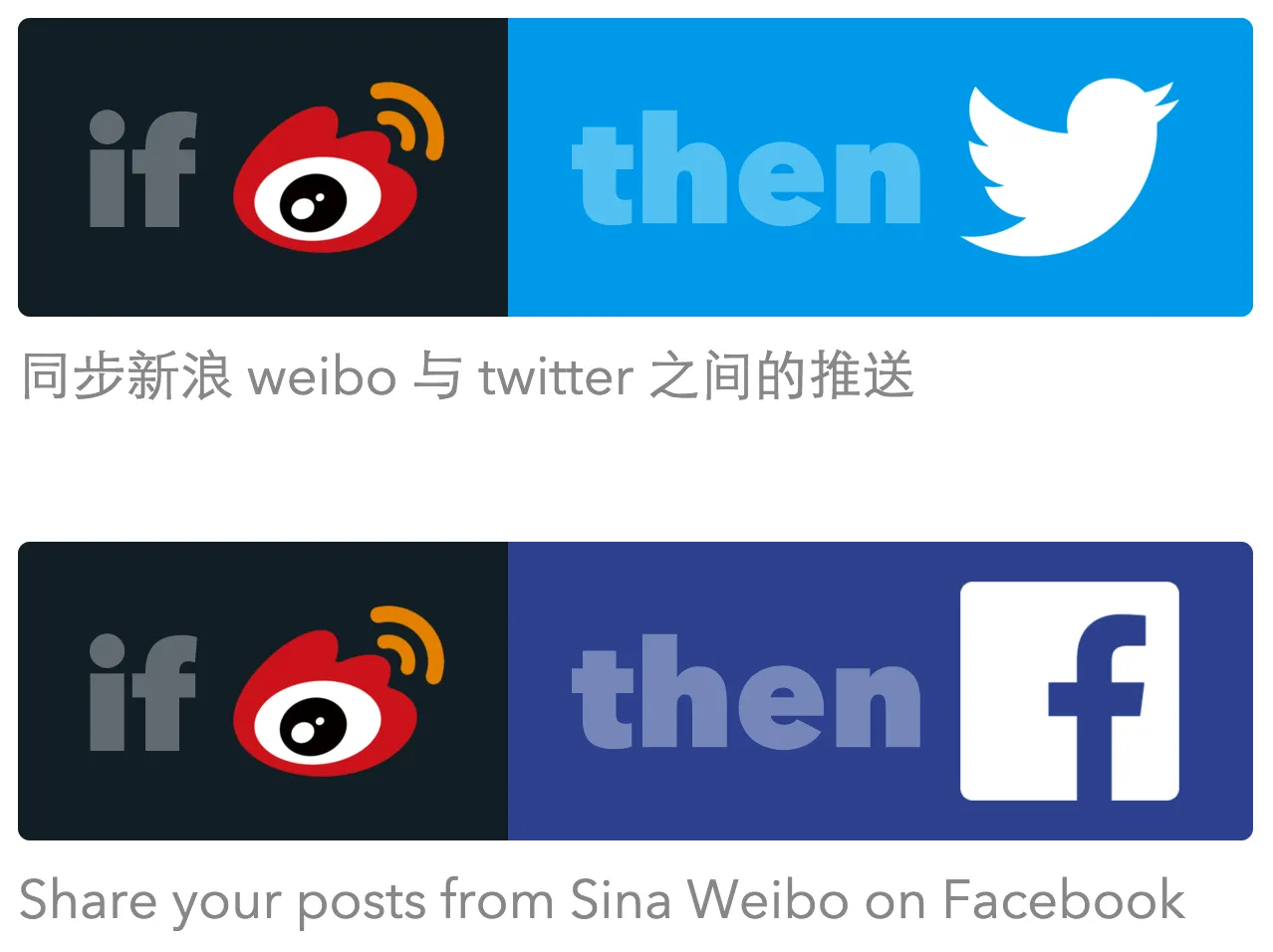
If nothing else, notifications of this article will appear on my Facebook and Twitter soon.
What can IFTTT do?
Currently, the channels supported by IFTTT are relatively rich, such as Feed (RSS), GitHub, Weibo, Evernote, Dropbox, email, SMS, Gmail, Instagram, Pocket, WordPress, OneDrive, OneNote, Twitter, Facebook, weather forecast, etc., with a total of more than 230 channels. Most of them can be used as triggers or actions.
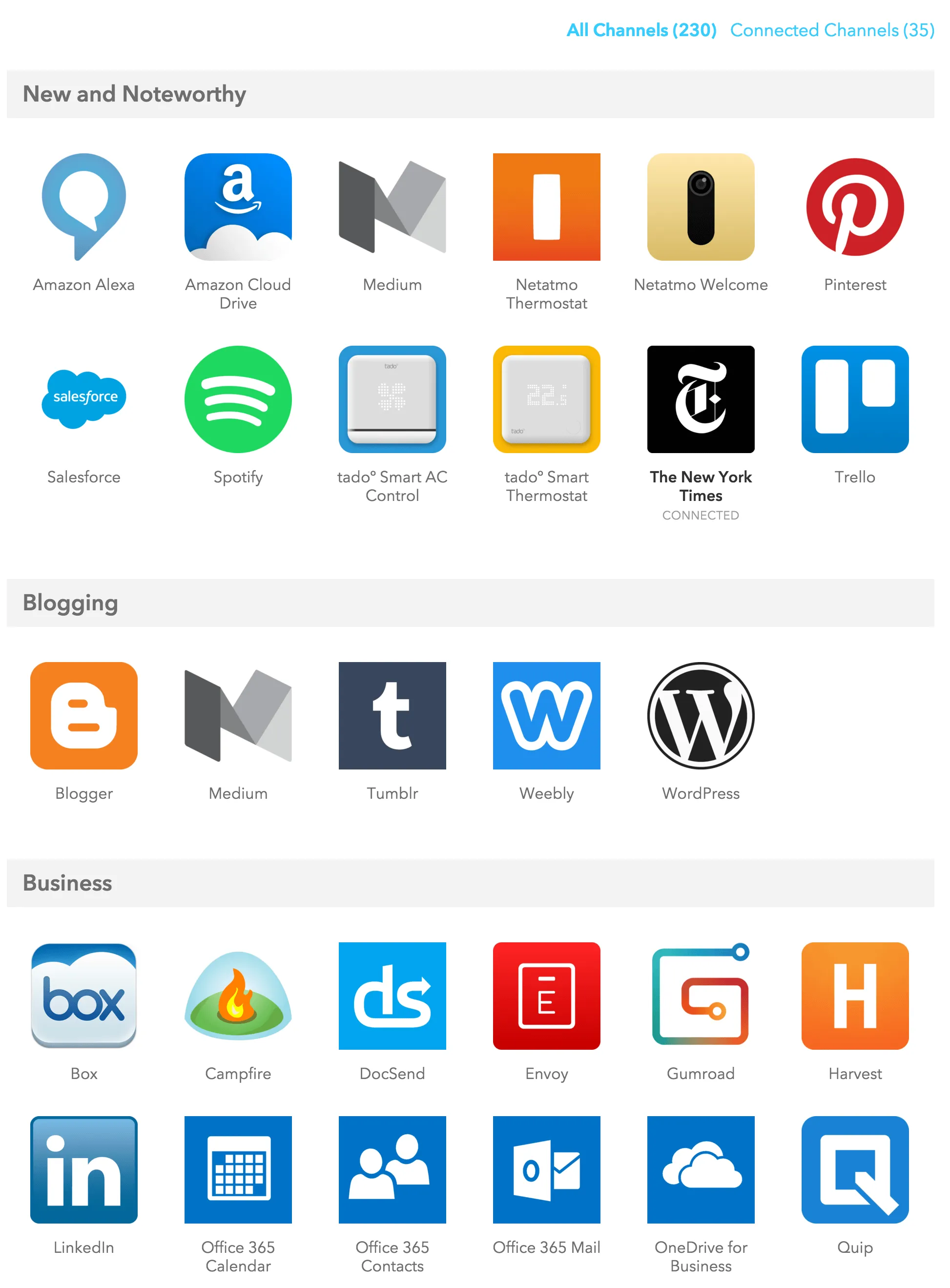
I want to complain here. There is only one Chinese application among more than 230 channels, Sina Weibo. You can imagine how stingy domestic applications are. “Hey, why should I provide an interface? Just connect your services to my platform.” No, everyone thinks so.
In addition, thanks to the release of the Android version and iOS version of the client, IFTTT’s channels now include not only some Internet services, but also new “channels” such as contacts, photos, text messages, geographical location, and push notifications on other mobile phones, which makes IFTTT more practical.
Interesting ways to play IFTTT
This is a cool and highly flexible service, and you can do lots and lots of interesting things with it. And although many domestic services do not have open APIs, we can use RSS to make many things possible.
-
If tagged on Facebook, clicked “like” a photo on Instagram, save to the corresponding folder in Dropbox
-
If someone sends me a Gmail with an attachment, save the attachment in Dropbox
-
If you like a video on YouTube, Share to Facebook, Twitter and Save the link to Evernote
-
Automatically classify mobile phone screenshots into the “Screenshots” album
-
When adding a Google Calendar event, add an identical iPhone calendar event
-
Remind me to sleep every night
In addition, there are also many recipes shared by netizens on the IFTTT website for your reference or direct use.
Further reading
-
Trigger your smart life: Getting started with IFTTT - Minority
-
[You don’t know how fun this thing called IFTTT is](http://mp.weixin.qq.com/s?__biz=MzA3NDYwMjk5NQ==&mid=2048683 06&idx=1&sn=f6f78d5858b6f50cc3c32886b2b74cb3&scene=2&from=timeline&isappinstalled=0#rd)